
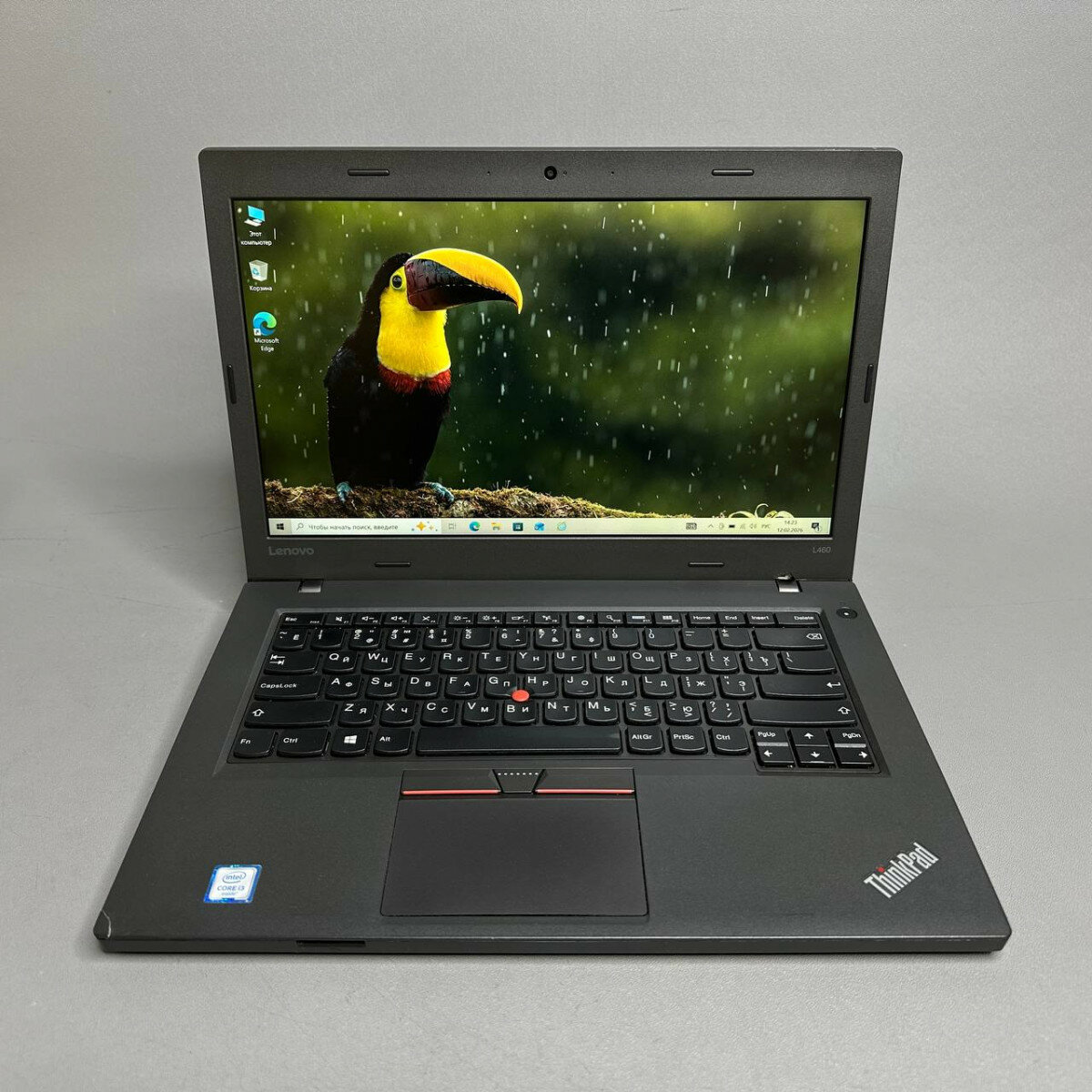
My 2017 Lenovo ThinkPad X1 Carbon—equipped with 16GB of RAM and a 7th-gen Intel Core i7—is technically incompatible with Windows 11 due to Microsoft’s strict processor generation requirements. Rather than retiring a machine that still handles web browsing, writing, and light gaming with ease, I installed Linux Mint. The process took about an hour, transforming a device Microsoft deemed a security risk into a stable, responsive daily driver that feels faster than it did on its original operating system.
Breathing New Life into Hardware
While the ThinkPad shows its age in battery life—lasting about four hours compared to the eight it boasted at launch—the trade-off is negligible compared to the cost of a new laptop. Linux Mint offers a familiar, Windows-like environment that is accessible for beginners, and the hardware itself remains impressive. Its carbon-fiber chassis is lighter than my M4 MacBook Air, and it features a superior port selection, including HDMI and USB-A, which removes the need for constant dongles. Beyond simple utility, this move represents a shift in ownership. By choosing an open-source OS, I am no longer beholden to a single company’s update cycle or forced obsolescence. While Linux requires a slight learning curve—such as using the terminal for specific tasks or finding workarounds for proprietary apps—the freedom to control my own hardware is a benefit that far outweighs the minor friction of the transition.
Comments (0)
No comments yet. Be the first!